A/B testing for component-driven Webflow sites
A/B testing built natively into the Webflow Designer. Click any element or component instance, set it as a variant, ship. SEO-safe. No code required.
You redesign. You guess. You repeat.
Every Webflow team hits the same wall: no way to know what actually works.
Everything you need to test, built in
From simple element tests to full-page redirects and multivariate experiments - all native to Webflow.
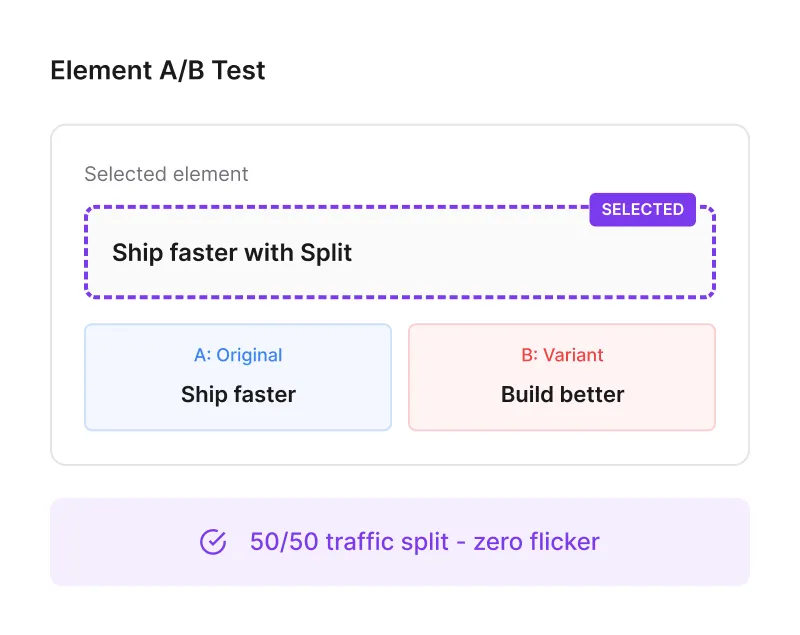
Element-level split testing
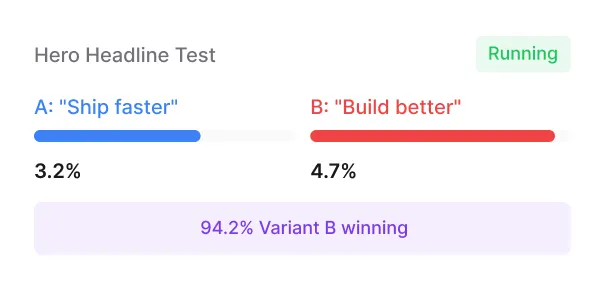
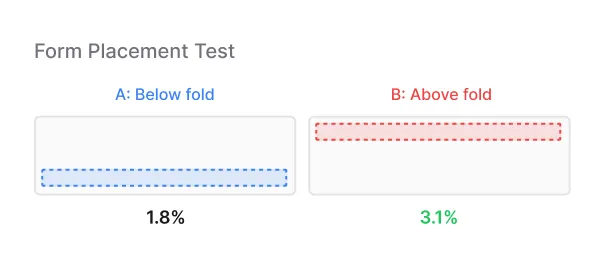
Test any element on your Webflow page - headlines, CTAs, images, sections. Split identifies the element, serves the variant, and measures the impact.
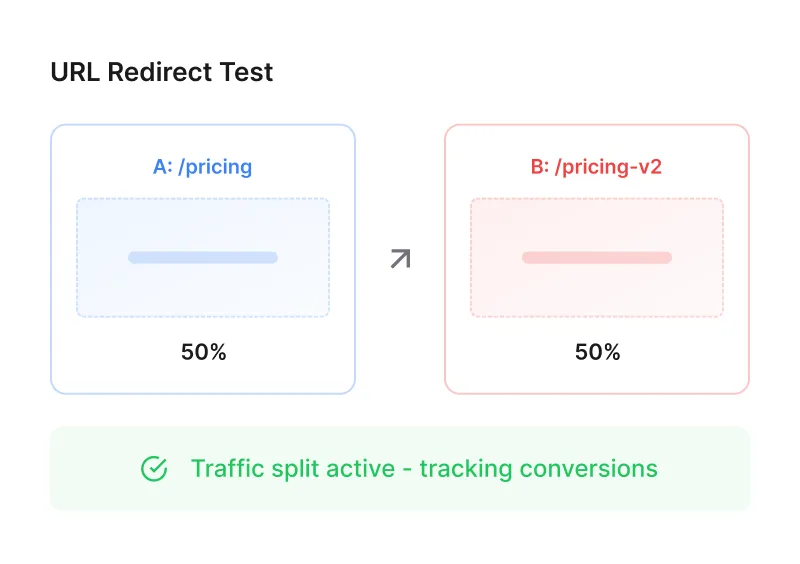
Full-page redirect testing
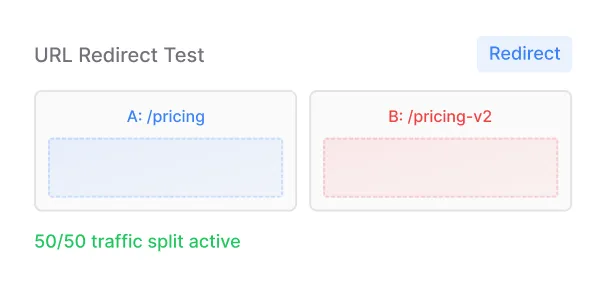
Test entirely different page designs against each other. Split redirects a percentage of traffic to your variant URL and tracks conversions across both.
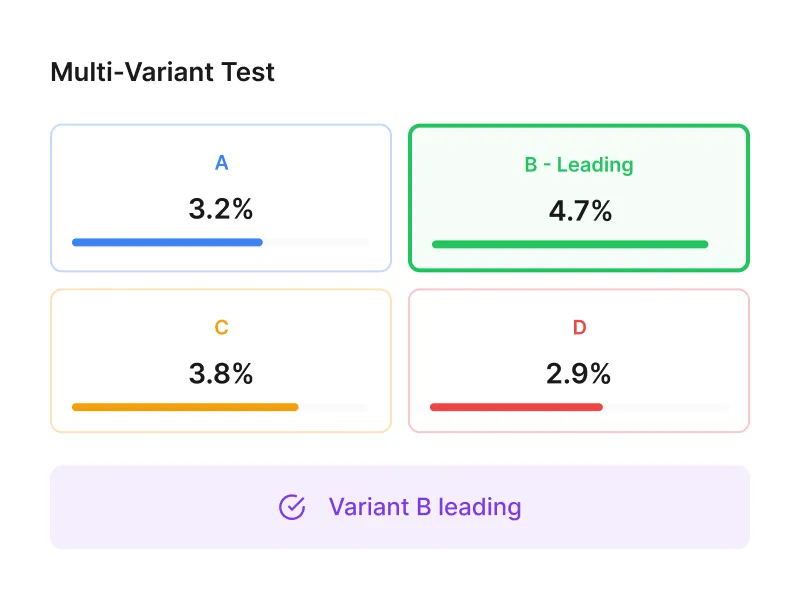
Test 3+ variants at once
Go beyond simple A/B tests. Run up to 4 variants simultaneously and let Bayesian statistics find the winner faster.
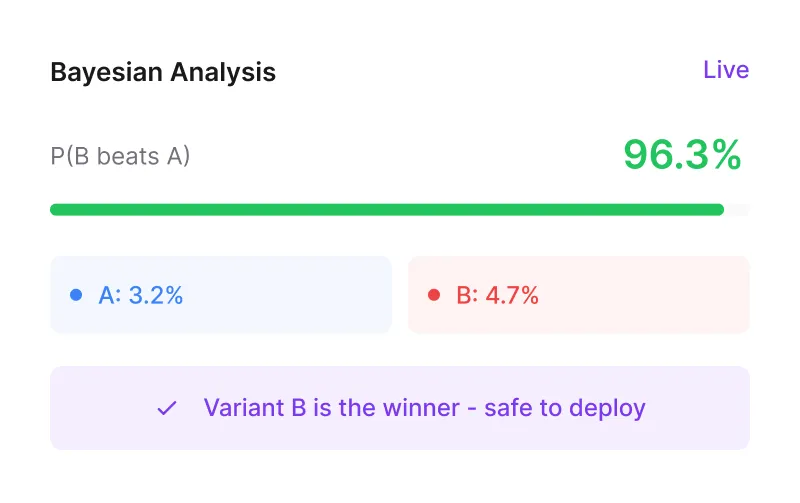
Real-time Bayesian statistics
No more waiting weeks for results. Split uses always-valid sequential testing so you can check results anytime without inflating false positives.
Get started in minutes
Setting up is as simple as connecting the Webflow app to your site.
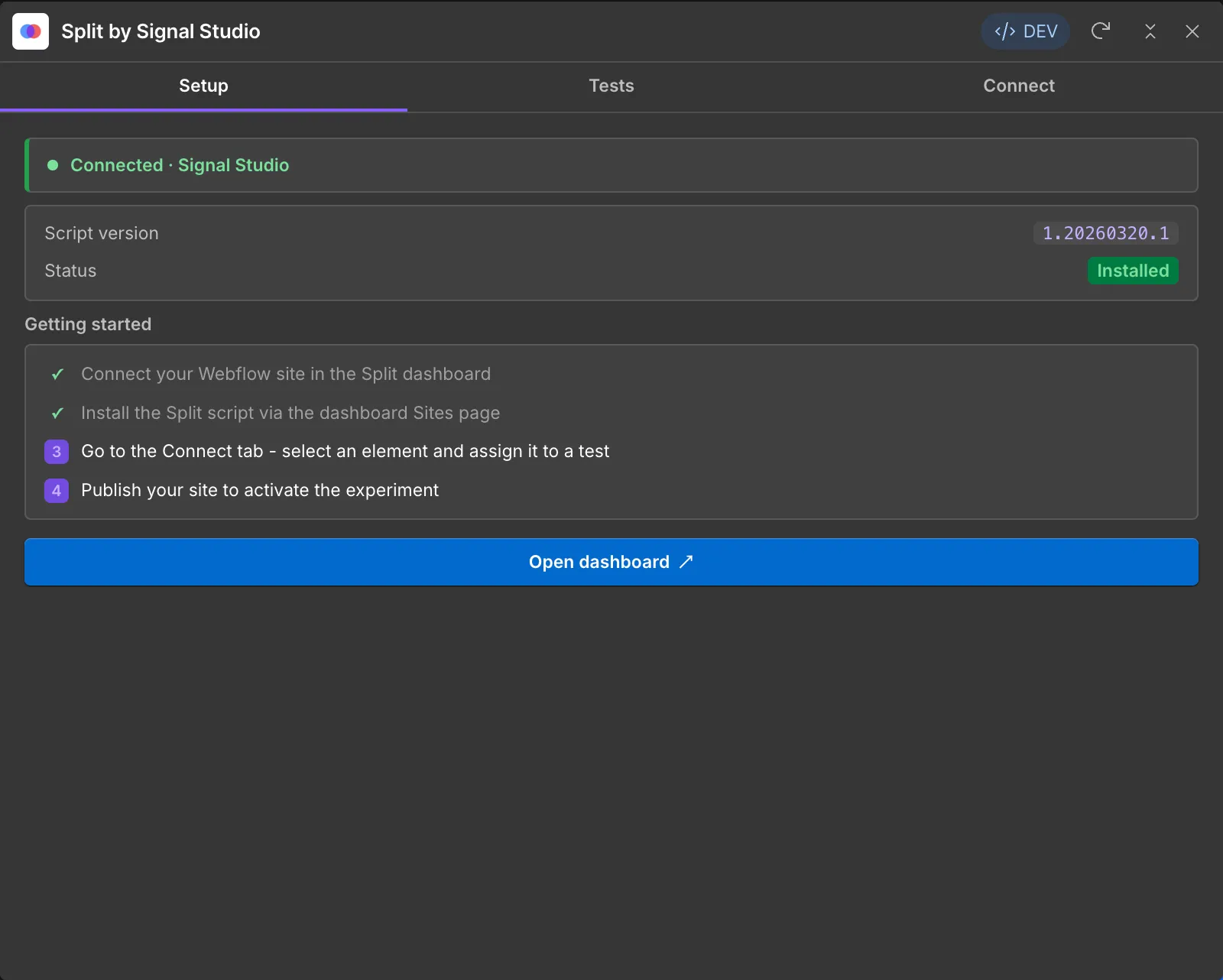
Connect Split's Webflow app. This adds Split's lightweight script to your Webflow site. It starts working immediately.
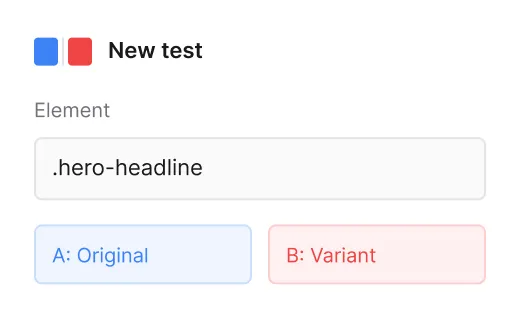
Create a test. Use the Designer Extension to select elements and set up variants - no code needed.
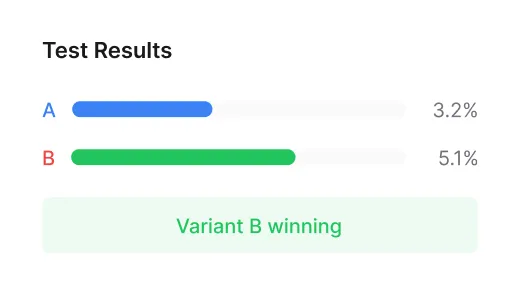
See results. Watch real-time Bayesian statistics tell you which variant is winning.
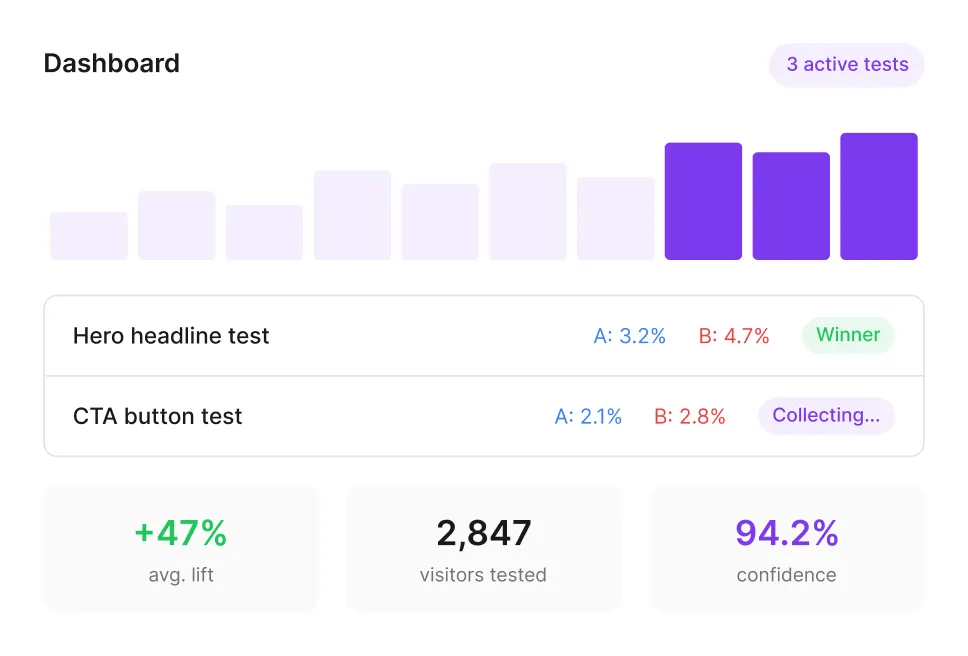
Know what's working and what's not
Stop relying on gut feeling. Split gives you real-time visibility into every test so you can make decisions backed by data.
Watch conversions roll in as they happen across all your active tests.
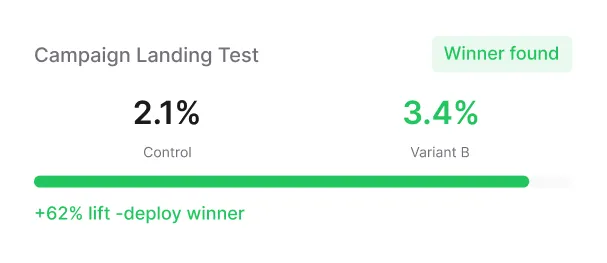
Bayesian probability scores tell you exactly when a variant wins - no guessing.
Every test result is saved. Build institutional knowledge about what converts on your site.
What Webflow teams use Split for
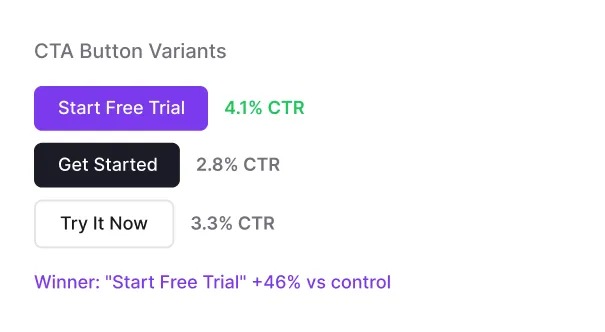
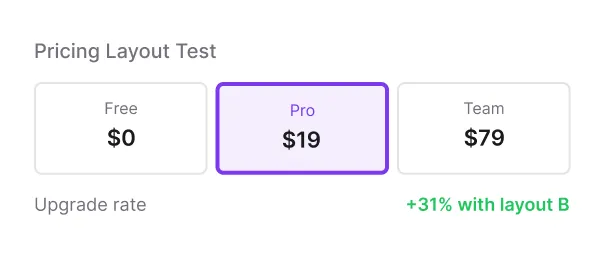
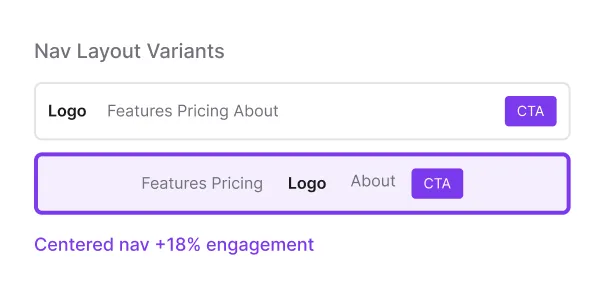
From headline testing and CTA optimisation to full page redesigns and agency client work - Split supports every A/B testing use case natively in Webflow.
Simple, honest pricing.
Start free. Upgrade when you need more.
Professional
Everything Split. One plan, no limits. Built for teams who test everything.
Your questions, answered
Everything you need to know about A/B testing your Webflow site with Split.
Split is a native Webflow Designer Extension. You install it from the Webflow Marketplace, connect your site via OAuth, and create tests directly in the Webflow canvas. No custom code needed.
No. Split's client script is under 8KB and resolves variants before the page renders. Zero visible flicker.
Most tools use frequentist statistics. Split uses always-valid sequential testing with Bayesian inference. You can check results at any time without inflating your false positive rate.
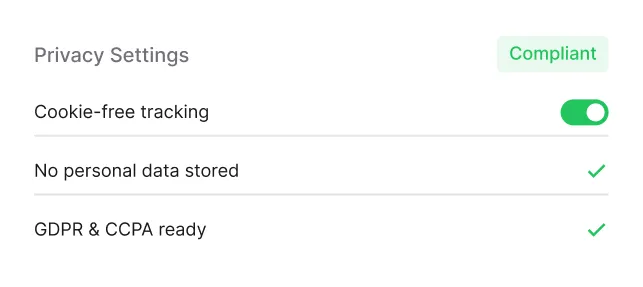
Yes. Split doesn't use third-party cookies or store personal data. If a visitor hasn't consented, Split simply shows the control variant.
Yes. URL redirect tests let you split traffic between completely different pages.
Split's Bayesian engine works well at 1,000+ visitors/month. You'll get meaningful results faster than with traditional frequentist tools.
Split shows you which variant wins with a clear probability. Deploy the winner permanently in Webflow with one click.
Free and Starter plans support a single site. Professional plan supports unlimited sites - perfect for agencies.
Yes. As of v1.0.4 the Split Designer Extension can connect Webflow component instances directly to A/B tests, multivariate tests, URL tests, and conversion goals - no Div Block wrapper required. Split adds typed props to the component definition via Webflow's Component Properties API and binds them to data-split-* attributes on the component root, so component-driven frameworks like Lumos and MAST work end-to-end.
Your visitors are already telling you what works.
Start your first A/B test today free, native to Webflow, with statistics you can trust.